
-
 files/700298_lkqci0_0.png

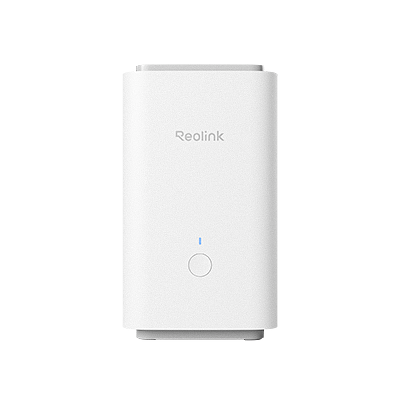
Reolink Home Hub 2 攝錄機網絡儲存裝置【香港行貨,1年保養】
- Regular price
- $1,668.00

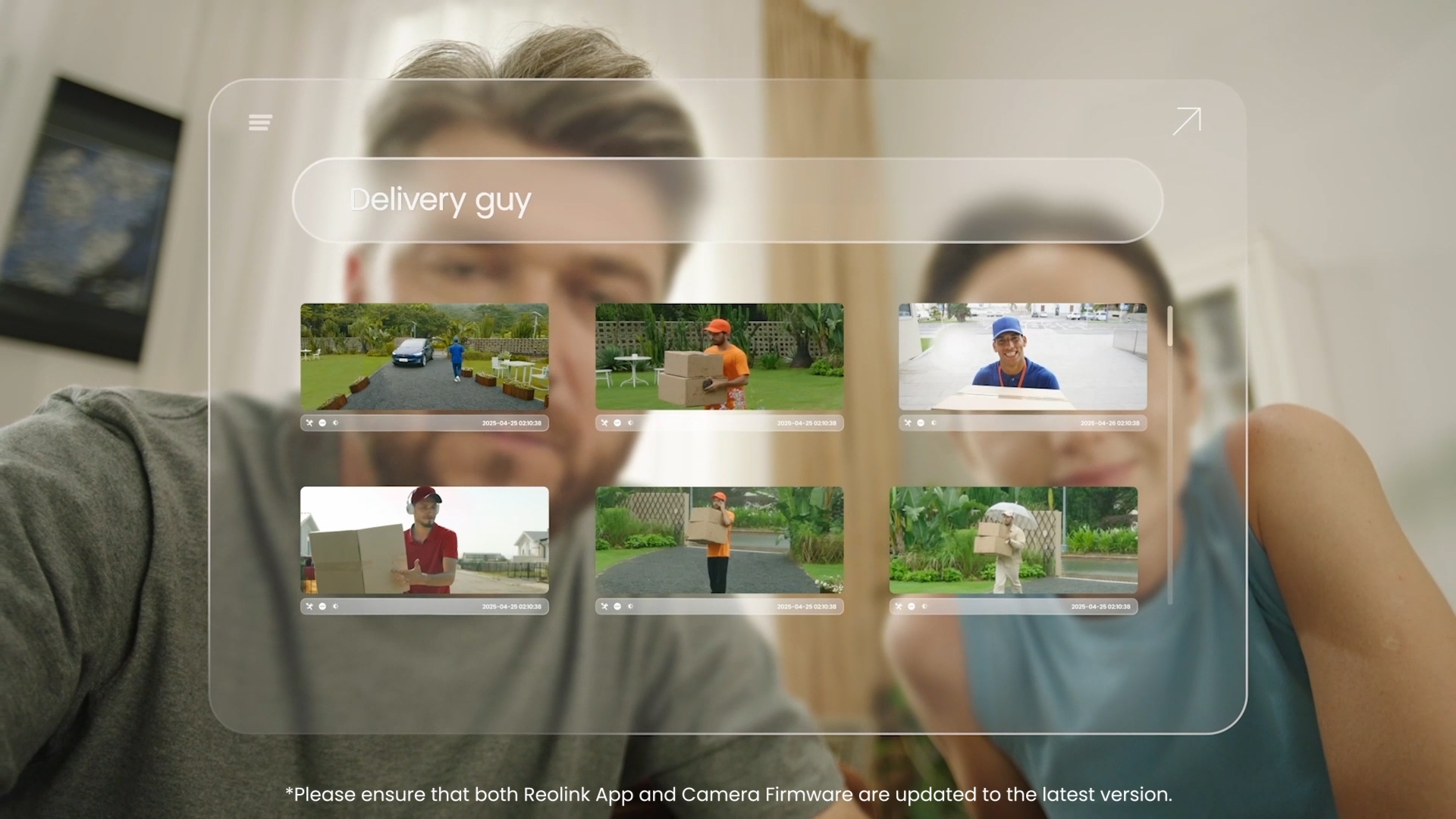
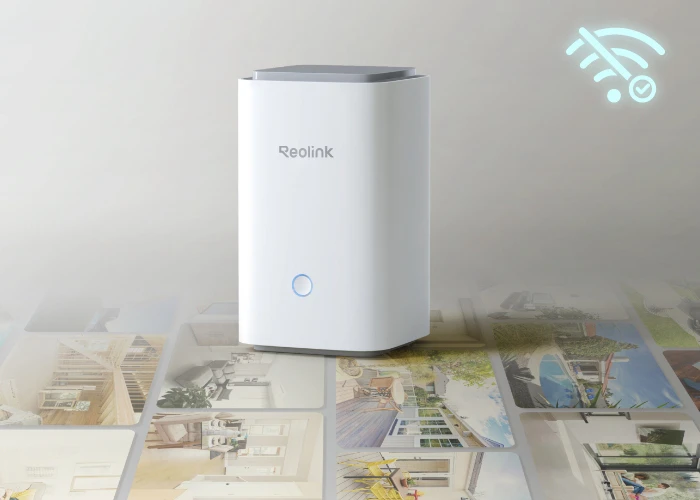
Unlock Smarter Security with AI
Home Hub 2 brings advanced AI capabilities to your connected cameras, helping you quickly find important footage, understand security activity, and manage your surveillance system with ease.
Large Local Storage.
No Monthly Fees.
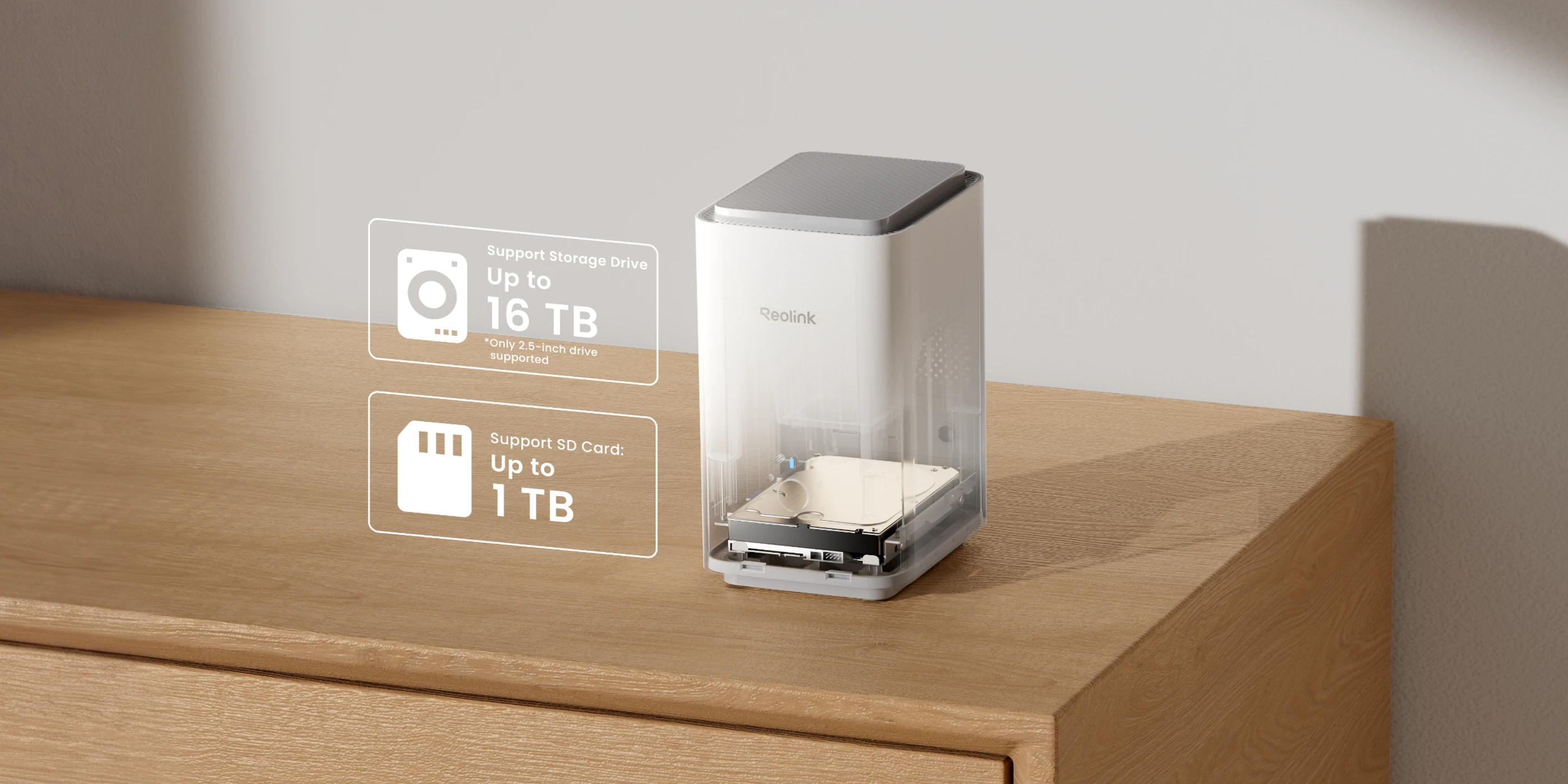
Never miss a moment with our security kit. Enjoy the freedom of large storage without worrying about the monthly fees. With sufficient space to store your videos and data, you can keep everything you need in one place.
All-in-One Security Solution
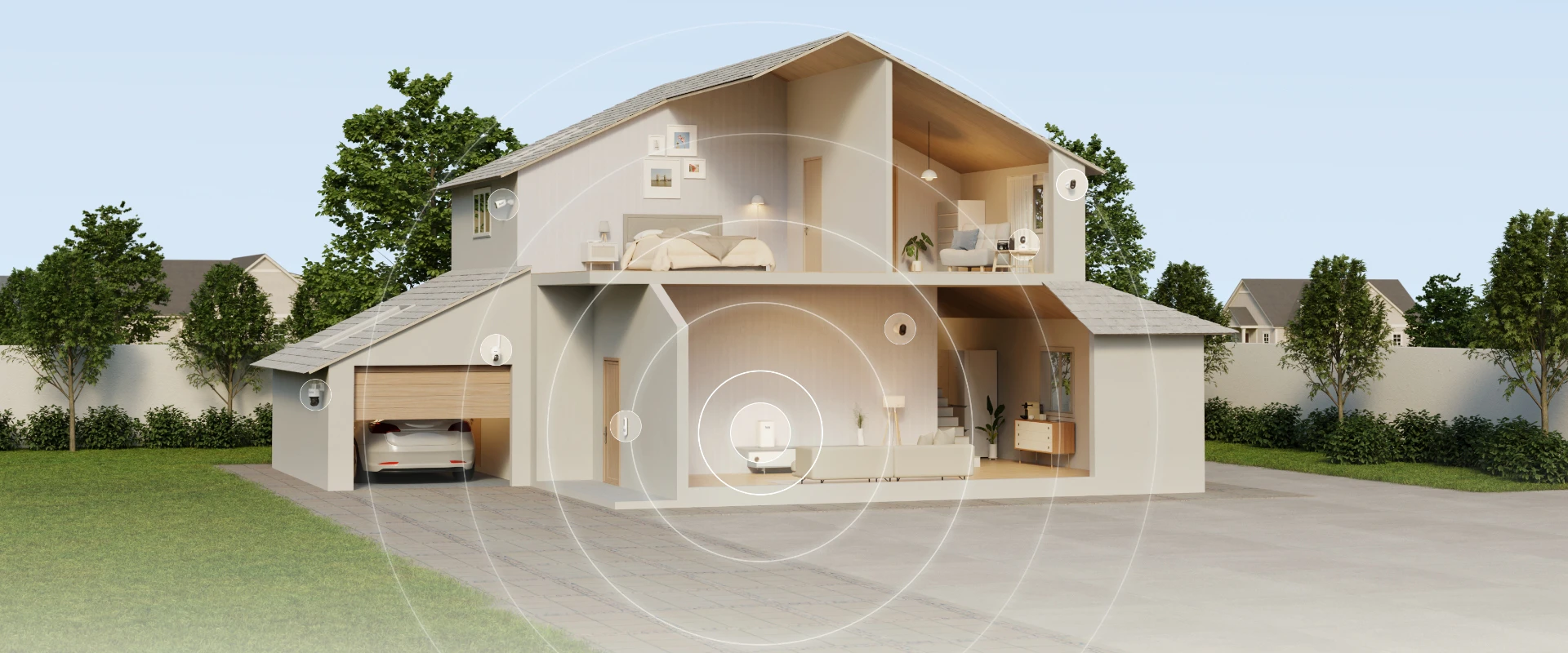
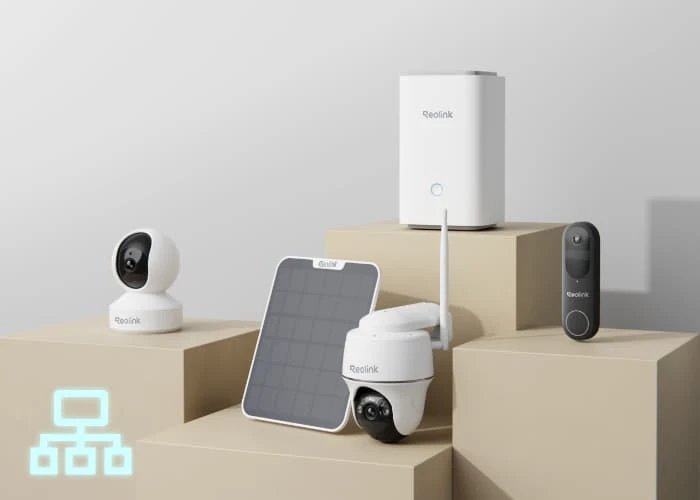
Supercharge your security system management with the Reolink Home Hub 2. Supporting up to 16MP ultra-high definition and up to 8 Reolink cameras, including dual-band Wi-Fi cameras and Wi-Fi 6 cameras, it offers great flexibility to customize your security center to match your preferences.
*Reolink Home Hub Series products are currently compatible with all Reolink PoE cameras, plug-in Wi-Fi cameras, and most recently released battery Wi-Fi cameras, except 2MP battery cameras and 4G cameras. Check compatible Reolink cameras.
Up to 16MP Resolution
UHD Video Quality
Supports Wi-Fi 6
5/2.4 GHz Dual-Band Wi-Fi & Wi-Fi 6
Up to 8 IP Cameras
Reolink Cams Except 2MP Battery
Cams & 4G Cams
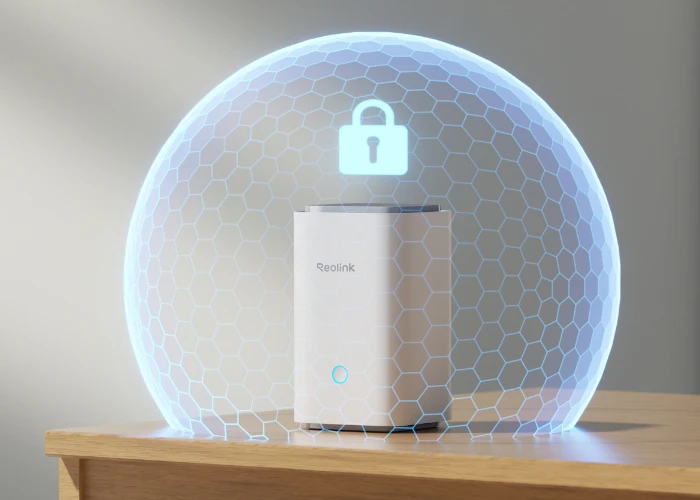
Perfecting Privacy
24/7 Protection for Every Corner
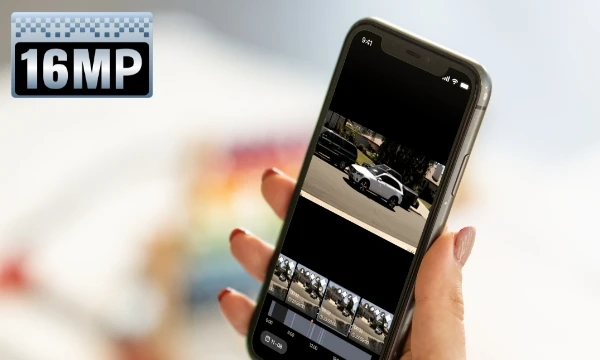
High-Definition Live View & Playback
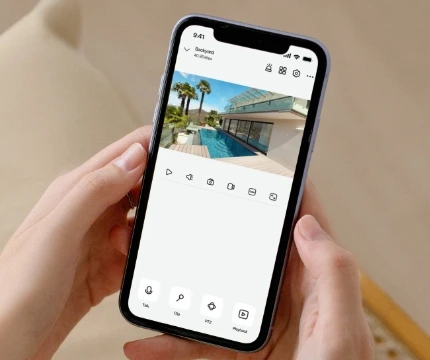
With just a few taps on the Reolink App, you can easily access live feeds and playback of high-definition main streams from multiple devices.
Reliable Alarm Center
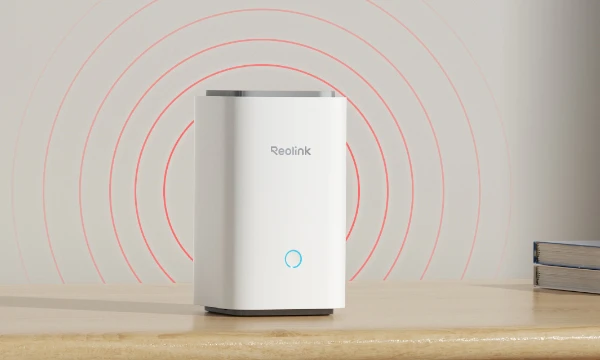
The Reolink Home Hub 2 will sound an alarm when any connected IP camera is triggered, providing comprehensive protection with multi-layered alarms. It features a variety of alarm ringtones for you to choose from, or you can customize your own.
Simple & Tidy Setup
Step 1.
Set up the Hub
Step 2.
Initiate the Hub
Step 3.
Use the Hub
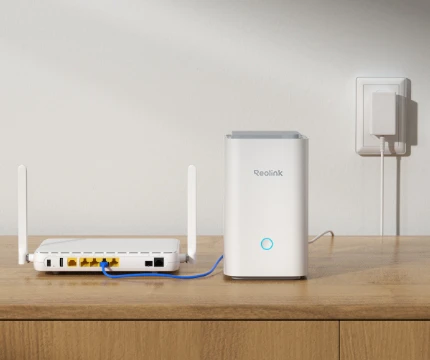
Connect the Reolink Home Hub 2 to the power supply, then to your home router via an Ethernet cable.
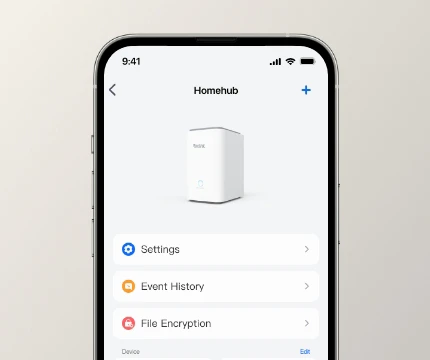
Configure the Home Hub 2 with the Reolink App and add devices to it.
Access your cameras and view the live feed in the Reolink App.
All in Control, Anywhere & Anytime
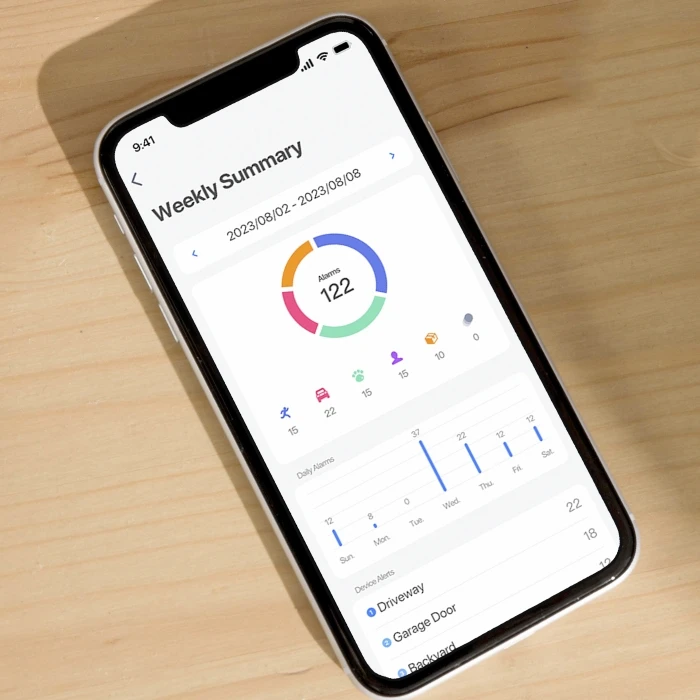
Quickly view daily, weekly, or monthly statistics of motion detection events through the Reolink App and easily check detection times. With all events presented in chronological order, it helps you stay informed about everything and easily access playback.
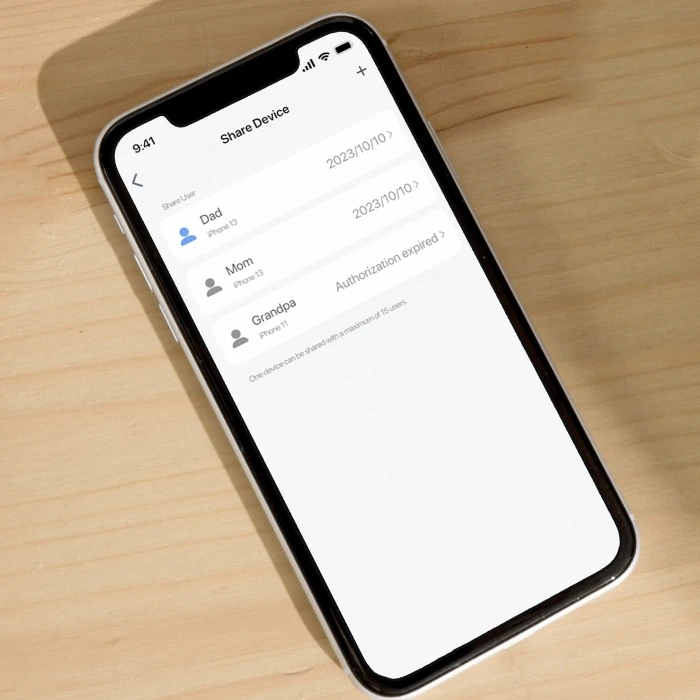
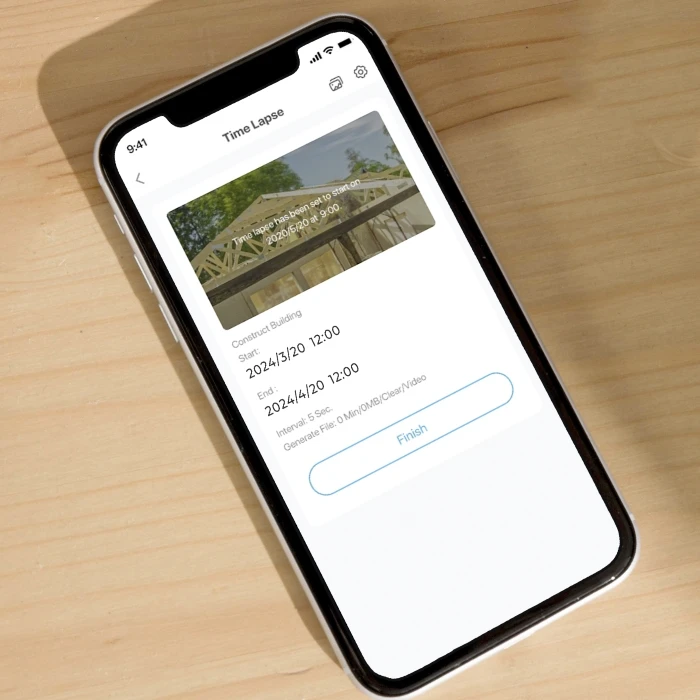
Access the Camera, Hands-Free
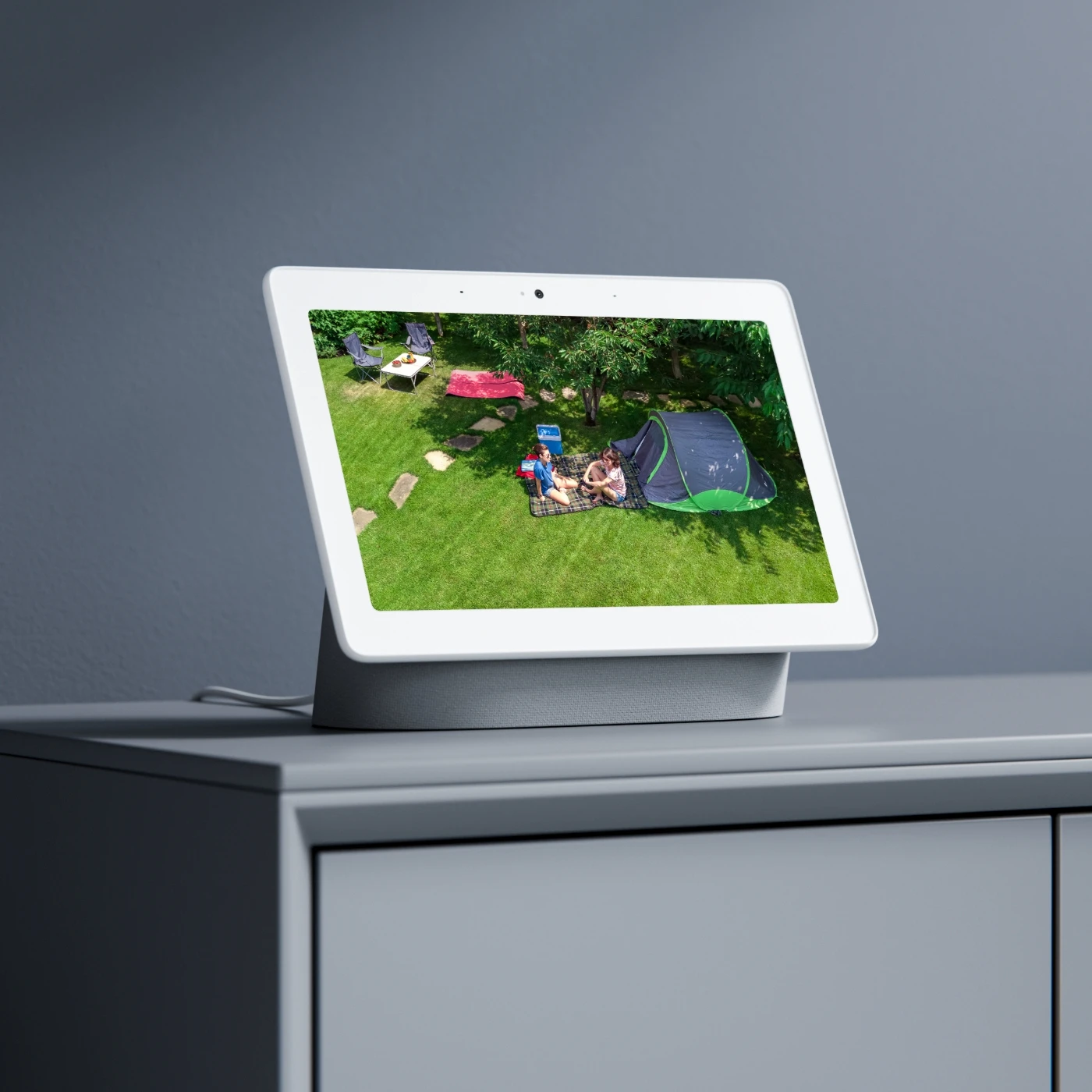
As easy as saying "Hey Google, show me the Front Door", you can check what's happening there on your Google Nest Hub or Chromecast-enabled TVs.
|
|
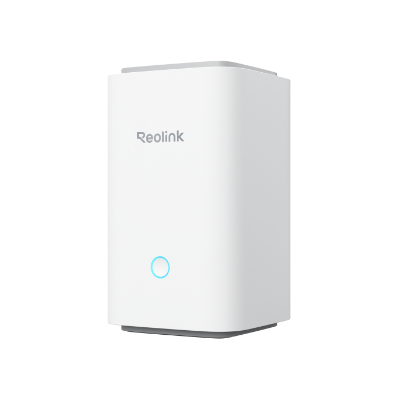
Home Hub |
Home Hub 2 |
|---|
|
|
 |
 |
|
SATA |
×
|
Up to 16TB
|
|
microSD Card Slot |
Up to 1TB ×2
|
Up to 1TB ×1
|
|
Max. Storage Capacity |
2TB (microSD card)
|
16TB (2.5-inch HDD/SSD)
|
|
Max. User Access |
11 users (1 admin account & 10 shared accounts)
|
20 users (1 admin account & 19 shared accounts)
|
|
AI Video Search |
×
|
√
|
|
Dimensions (mm) |
95*95*161.8mm
|
123*96*168mm
|
|
Weight |
441g
|
518g
|
